Tag: Android

Coolmuster Android Assistant 6.1.52 Multilingual

Coolmuster Android Assistant 6.1.52 Multilingual | Size: 24.88 MB
Language: English

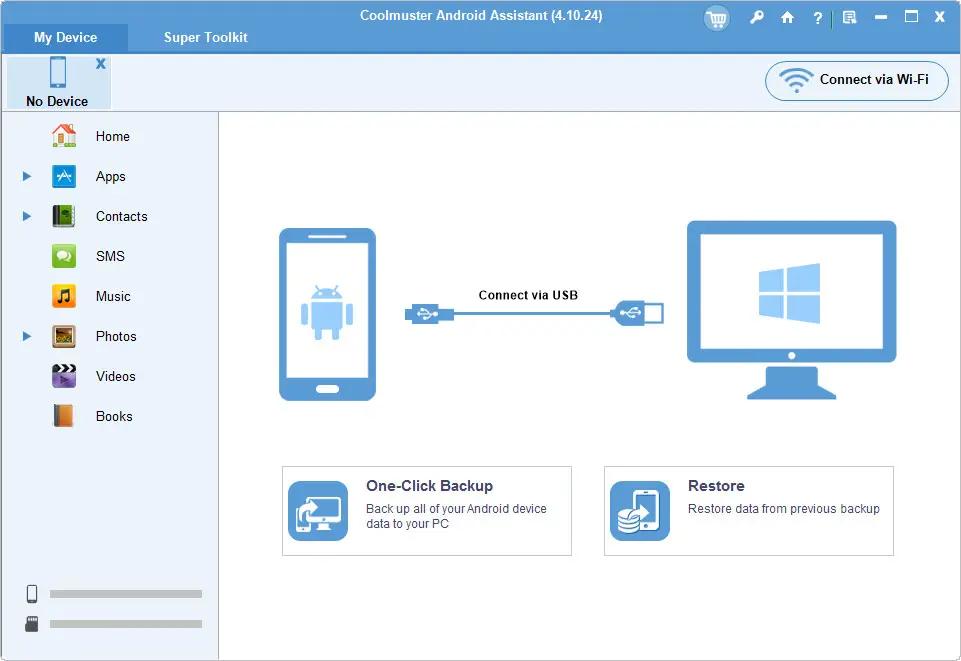
Better Manage Android Data in One Place on Windows Computer! As one-stop Android managing software, Coolmuster Android Assistant is fully capable of dealing with Android media, contacts, SMS, apps, etc. in one place on your PC! It features all the functions one may require for the management on Android devices.

– Hammer at backup and restore overall Android phone’s data on PC with 1 click & retain 100% quality.
– Breezily push music, videos, photos, etc. from PC to your phone.
– Add, delete, unduplicate and edit contacts on PC.
– Send & reply text messages directly on your Computer.

How to Backup Android? 1 Click is Enough!
Various functions of the cell phone have made certain people reluctant to separate themselves from their cell phones. They almost save all their life on the portable device and are afraid to think ahead if losing these valuable data some day. Well, why not backup your Android device to computer?

– Coolmuster Android Assistant enables you to export videos, photos, music, contacts, SMS, apps, etc. from Android phone or tablet to computer, so that you can free up your Android space for new files.
– Additionally, you can restore your Android phone from the selected or all backed-up files with one click.
(more…)
Coolmuster Android Assistant 6.1.52 Multilingual

Coolmuster Android Assistant 6.1.52 Multilingual | Size: 24.88 MB
Language: English

Better Manage Android Data in One Place on Windows Computer! As one-stop Android managing software, Coolmuster Android Assistant is fully capable of dealing with Android media, contacts, SMS, apps, etc. in one place on your PC! It features all the functions one may require for the management on Android devices.

– Hammer at backup and restore overall Android phone’s data on PC with 1 click & retain 100% quality.
– Breezily push music, videos, photos, etc. from PC to your phone.
– Add, delete, unduplicate and edit contacts on PC.
– Send & reply text messages directly on your Computer.

How to Backup Android? 1 Click is Enough!
Various functions of the cell phone have made certain people reluctant to separate themselves from their cell phones. They almost save all their life on the portable device and are afraid to think ahead if losing these valuable data some day. Well, why not backup your Android device to computer?

– Coolmuster Android Assistant enables you to export videos, photos, music, contacts, SMS, apps, etc. from Android phone or tablet to computer, so that you can free up your Android space for new files.
– Additionally, you can restore your Android phone from the selected or all backed-up files with one click.
(more…)
MobiKin Assistant for Android 5.1.47 Multilingual

MobiKin Assistant for Android 5.1.47 Multilingual | Size: 24.07 MB
Language: English

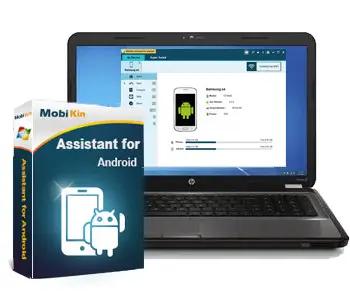
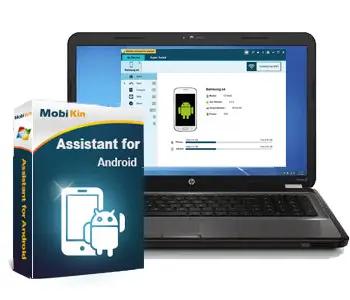
Looking for a simple way to manage your Android device? Then this MobiKin Assistant for Android could be the ideal solution for you. Just get it to learn its powerful management ability now.

Back Up & Restore Android Data Easily
Many Android users complain that they always mistakenly delete something important when they’re using some unfamiliar functions on their Android device. So are you tired of randomly losing stuff from your phone? Now, let’s end the fate of losing data on Android with the help of the software called MobiKin Assistant for Android. With it, you can connect multiple Android devices to PC and back up all data from these devices to your desktop computer with one simple click. What’s more, you can manage these connected devices as follow:

One click to back up all files from your Android device to computer, which can make the Android data backup more quickly and easily.
Restore the backed up files from computer to Android device with one simple click. (Click to learn how to back up & restore Android phone with one simple click.)
(more…)

Android Studio 2026.1.1.9 (x64)

Android Studio 2026.1.1.9 (x64) | Size: 1.38 GB
Language: English

Mobile devices are now a common companion in daily activities, even in entertainment. Android Studio is an Integrated Development Editor developed by Google for the Android platform, comprising everything that a programmer needs in order to design and test Android applications. Tool for creating, testing, and building

It was inspired by JeBrains’s IntelliJ IDEA, a general purpose IDE that encases a state-of-the-art collection of tools for code writing and testing. Android Studio bundles the richness of IntelliJ combined with the capabilities that are required for Android development.
It also embeds the Gradle engine, which automates tasks and allows for a more streamlined workflow, customized builds and an enhanced level of flexibility. Be sure to install Java Runtime Environment to be able to benefit from all it has to offer.
(more…)

Android Studio 2026.1.1.8 (x64)

Android Studio 2026.1.1.8 (x64) | Size: 1.38 GB
Language: English

Mobile devices are now a common companion in daily activities, even in entertainment. Android Studio is an Integrated Development Editor developed by Google for the Android platform, comprising everything that a programmer needs in order to design and test Android applications. Tool for creating, testing, and building
(more…)

Coolmuster Android Backup Manager 3.5.33 Multilingual

Coolmuster Android Backup Manager 3.5.33 Multilingual | Size: 22.21 MB
Language: English

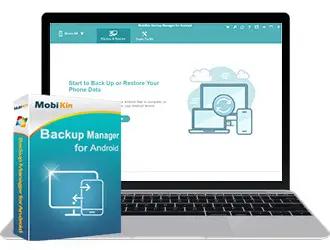
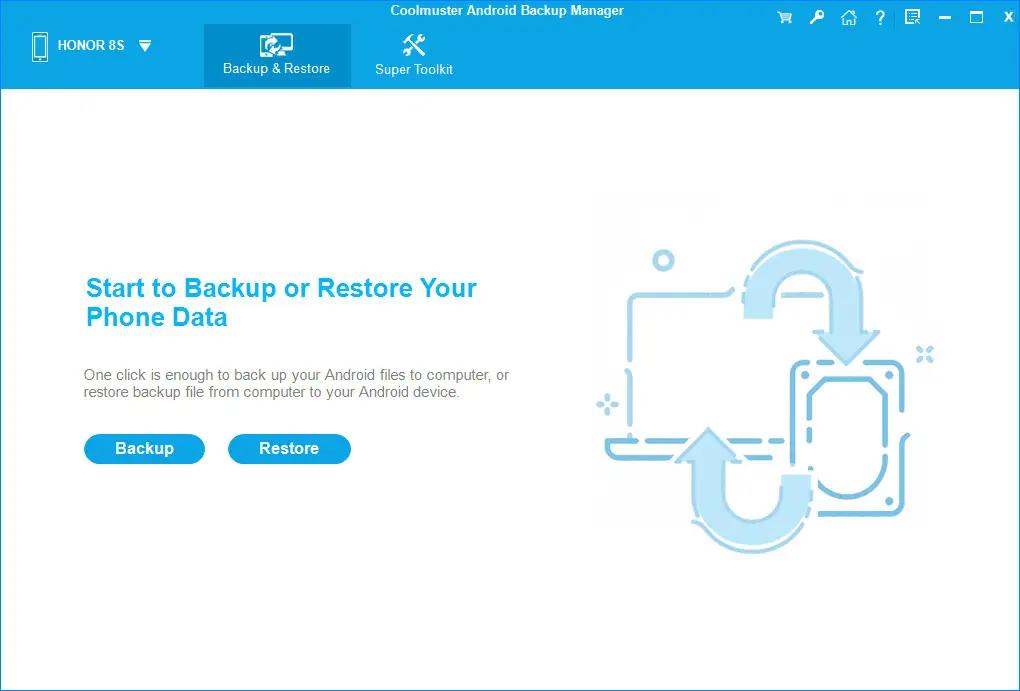
Worried about losing important files on your Android phone due to unexpected malfunction or other problems? It’s better to back up your Android phone data before it really gets lost, such as contacts, SMS, photos, documents, etc. Also, if you need to restore Android phone backup to a new Android phone, Coolmuster Android Backup Manager, the topnotch Android backup and restore software, can empower you to realize all your demands on Android backup and restore without any hassles.
(more…)