Tag: Tools

The Master Blacksmith Tools, Techniques, and Inspiration to Increase the Scale and Quality of Your Work

The Master Blacksmith Tools, Techniques, and Inspiration to Increase the Scale and Quality of Your Work | 20.57 MB

Title: The Master Blacksmith Tools, Techniques, and Inspiration to Increase the Scale and Quality of Your Work
Author: Nicholas Wicks
Category: Metal Work, Manufacturing, Technical & Manufacturing Industries & Trades
Language: English | 176 Pages | ISBN: 9781577159087

(more…)

R-Tools R-Drive Image 7.3 Build 7315 Multilingual

R-Tools R-Drive Image 7.3 Build 7315 Multilingual | Size: 87.25 MB
Language: English

R-Drive Image is a potent utility providing disk image files creation for backup or duplication purposes. A disk image file contains the exact, byte-by-byte copy of a hard drive, partition or logical disk and can be created with various compression levels on the fly without stopping Windows OS and therefore without interrupting your business. These drive image files can then be stored in a variety of places, including various removable media such as CD-R(W)/DVD, Iomega Zip or Jazz disks, etc.

R-Drive Image restores the images on the original disks, on any other partitions or even on a hard drive’s free space on the fly. To restore system and other locked partitions R-Drive Image is switched to the pseudo-graphic mode directly from Windows or bootable version created by the utility is launched from CD disc or diskettes.

Using R-Drive Image, you can completely and rapidly restore your system after heavy data loss caused by an operating system crash, virus attack or hardware failure. You can also use R-Drive Image for mass system deployment when you need to setup many identical computers. In other words, you can manually setup one system only, create an image of the system, and then deploy it on all other computers, saving your time and costs. If you need to restore only certain files from a disk image, you can connect that image as a virtual disk and copy those files directly from the disk image using Windows Explorer or any other file utility.
(more…)

Collaboration in Flow 10 Tried – and – Tested Tools That Allow You to Successfully Create Flow in Your Team

Collaboration in Flow 10 Tried – and – Tested Tools That Allow You to Successfully Create Flow in Your Team | 515.41 KB

Title: Collaboration in Flow 10 Tried – and – Tested Tools That Allow You to Successfully Create Flow in Your Team
Author: Nadja Schnetzler
Language: English | 202 Pages | ISBN: 9783967405453

(more…)

DAEMON Tools Lite 12.6.0.2458 Multilingual

DAEMON Tools Lite 12.6.0.2458 Multilingual | Size: 43.98 MB
Language: English

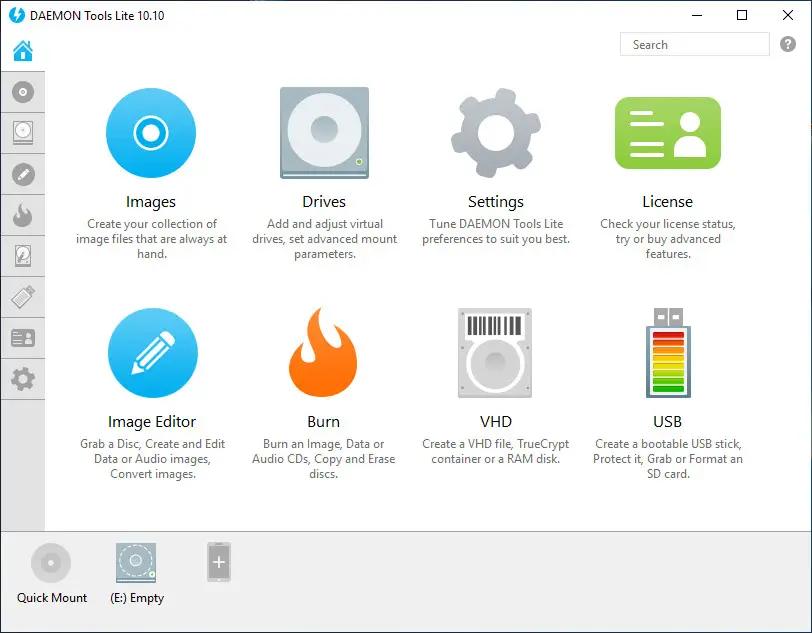
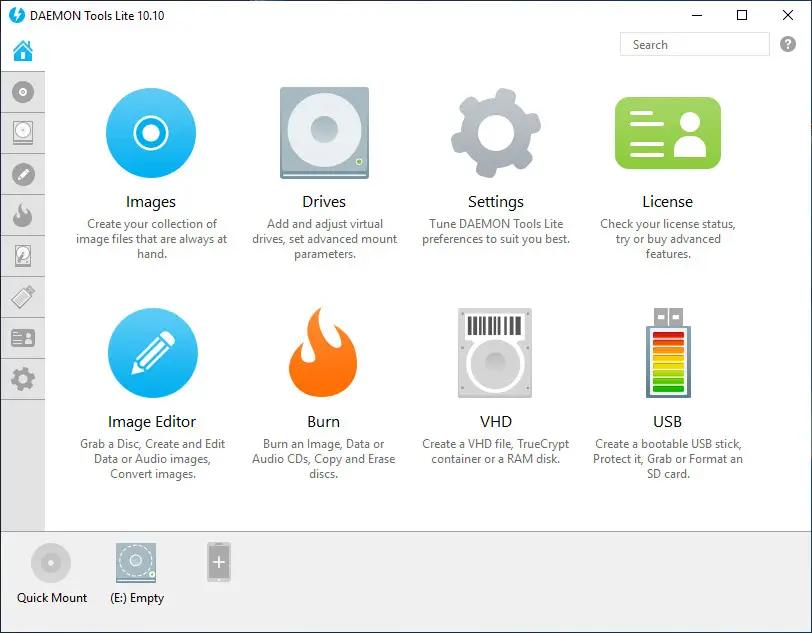
DAEMON Tools Lite offers easy tools for making simple disc image files and emulating virtual CD, DVD and Blu-ray drives. It is an advanced application for Microsoft Windows which provides one of the best optical media emulation in the industry. DAEMON Tools enables you to convert your physical CD/DVD/Blu-ray discs into “virtual discs” so called “images”. You can use your CD/DVD/BD images as if they were already burned to CD/DVD/Blu-Ray. It also emulated up to 4 virtual CD/DVD/BD drives, so you can mount (insert) and unmount (eject) images. Virtual drives will appear in your OS just like real ones. Select a virtual drive then choose a disc image you want to mount. Find the created virtual drive with mounted disc image in My Computer and start working.

With DAEMON Tools Lite you can create ISO, MDS/MDF and MDX image files from original discs inserted in physical CD, DVD and Blu-ray drives.
Do you want to protect your image content from unauthorized use? DAEMON Tools enables you to set unique password and only the ones who know it will be able to mount that image and get all contained data. If you want images to take less hard drive space just enable “Compress image data” option before start disc imaging process. You could also use images created with other programs. DAEMON Tools products work with variety of image types.
(more…)

KS DB Merge Tools for SQLite 1.25.3

KS DB Merge Tools for SQLite 1.25.3 | Size: 11.96 MB
Language: English

KS DB Merge Tools for SQLite is a software utility that provides a convenient way for you to compare databases and monitor them for changes. Not only that it allows you to explore the content of an SQLite database, but it also helps you identify differences and apply filters to reveal modifications to tables, indexes, triggers and views.

Compare and merge SQLite databases
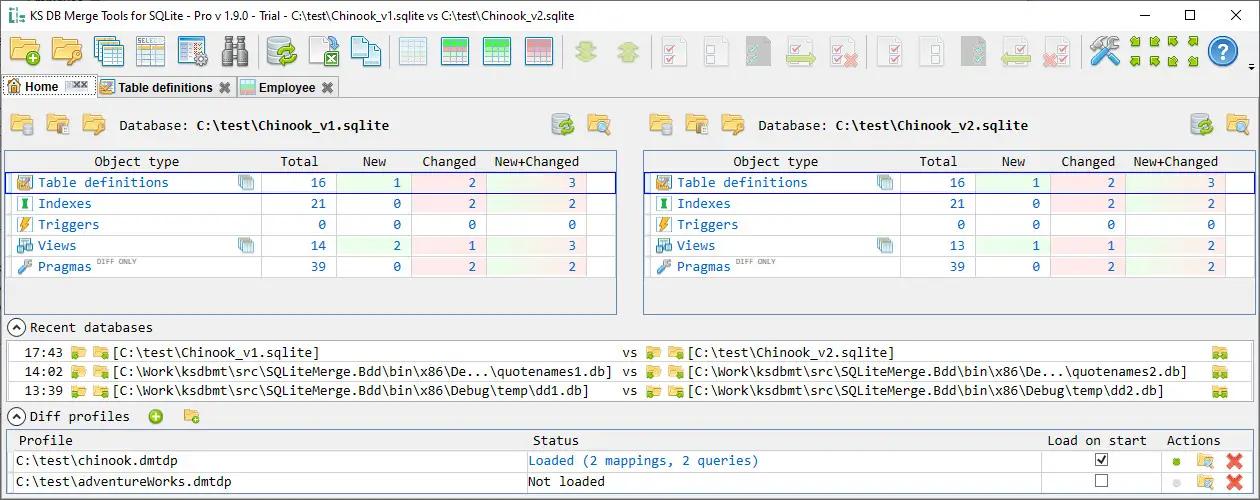
You can open any two databases in KS DB Merge Tools for SQLite and explore their content side-by-side. The application reveals table definitions, indexes, triggers, views and pragmas for each in a separate panel. Moreover, new application instances can be opened to load new databases.

KS DB Merge Tools for SQLite can compare both database schema and containing data for multiple tables and views. It allows you to check all the modifications that occurred in all the database fields, but you can also configure it to only reveal new elements or new and changed items inside tables and views. In other words, applying filters to see changes or new elements is possible. Changes between databases can be merged to keep them in sync.
(more…)

KS DB Merge Tools for PostgreSQL 1.19.0

KS DB Merge Tools for PostgreSQL 1.19.0 | Size: 12.2 MB
Language: English

Keeping two or more databases in sync might seem like a challenge but a dedicated application such as KS DB Merge Tools for PostgreSQL can be of great help in this case. As its name suggests, it is specifically designed for PostgreSQL databases, allowing you to synchronize and compare both schemas and data.

Side-by-side comparison of two PostgreSQL databases
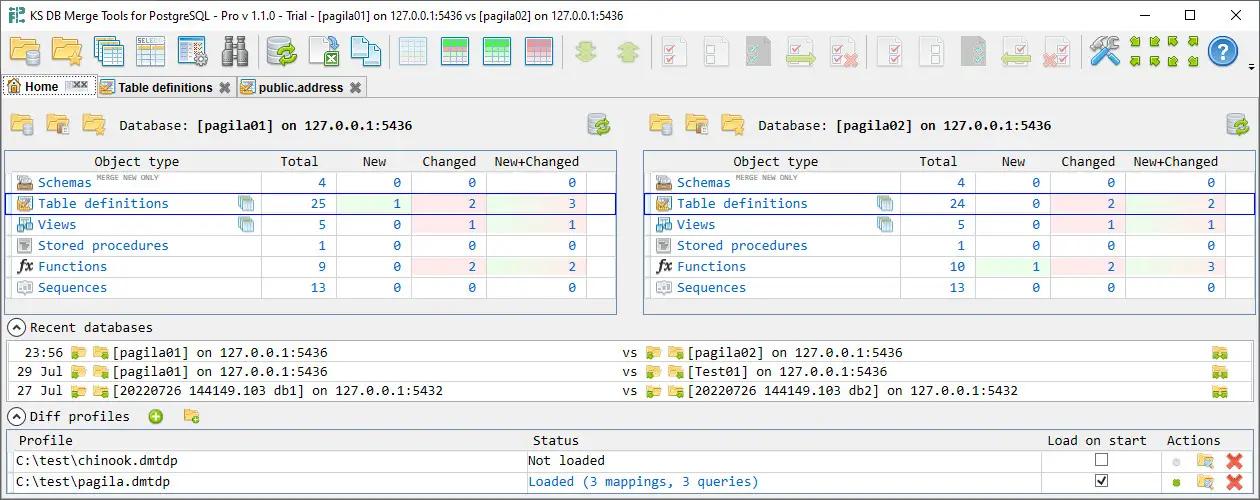
Smartly enough, the layout of the main GUI is designed to facilitate side-by-side comparison between two databases. You can easily set up new database connections for each of the two panels and KS DB Merge Tools for PostgreSQL connects to PostgreSQL and starts populating the tables with objects, while also displaying totals, new and changed items in the database schema.
(more…)